Bar chart
Chart that uses rectangular bars to represent and compare values across different categories or groups.
Bar charts use rectangular bars to represent values across different categories or groups. The height or length of each bar represents the numeric value for its category.
Also known as: Bar graph, column graph.
Anatomy
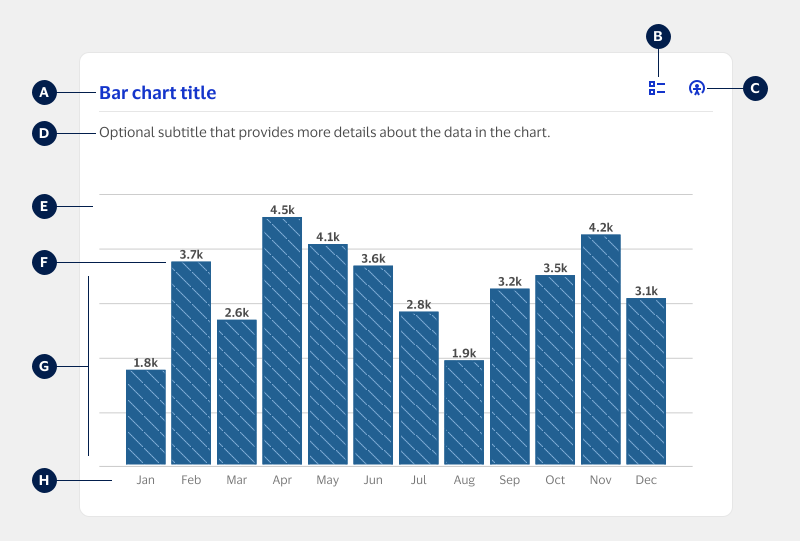
A. Title (optional): Brief text summarizing the contents of the chart.
B. Data table button (optional): UI icon button enabling users to view the chart’s data in table format.
C. Keyboard instructions (required): UI icon button enabling users to access the chart’s keyboard navigation instructions.
D. Subtitle (optional): Additional text providing details, context, or instructions about the chart.
E. Plot canvas (required): Area containing the graphic part of the chart including axes, gridlines, and other elements.
F. Data markers (required): Bars representing data points where the length or height of the bar indicates its category’s value.
G. Quantitative axis (required): Scale representing numeric values, either on the horizontal or vertical axis.
H. Categorical axis (required): Scale representing categories or dates, either on the horizontal or vertical axis.
Usage
| When to use | When not to use |
|---|---|
| To show how trends change over longer time periods, like weeks, months, or quarters. | To compare trends over very short time periods, like days or hours. Consider using a line chart instead. When showing continuous changes over time. Consider using a line chart instead. |
| To show the precise value of each data point. | If your data includes extreme values that distort the scale. Consider using a distribution insight chart instead. |
| To compare ranking across categories and quickly identify the highest and lowest values. | If summarizing your data into categories would hide meaningful patterns. If you need to show composition within categories. Consider using a composition insight chart, such as stacked bar or clustered bar chart instead. |
Best practices
- Ensure the chart clearly communicates important takeaways, like if the data values are in a desirable or undesirable range.
- Always start the quantitative axis at zero to avoid distorting data or exaggerating differences in bar sizes.
- Avoid displaying too many data points as this makes bar charts difficult to read and interpret.
- Consider using Pagination or group data into broader categories to limit how many data points are shown at a time.
- Provide in-context cues and labels to help users interpret the chart correctly without requiring significant effort.
Layouts
Bar charts can be displayed vertically or horizontally based on the data included. Select whichever layout will provide better legibility and scannability.
Vertical layout
In this layout, bars are displayed next to one another with taller bars representing higher values.
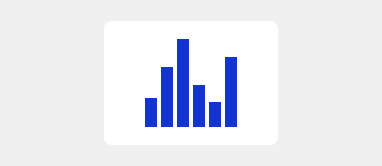
- Use this layout to visualize trends, where each bar represents a date period such as week or month.
- Use this layout when data has a meaningful order, like age groups or a scale (low, medium, high).
Horizontal layout
In this layout, bars are displayed along the horizontal axis with longer bars representing higher values.
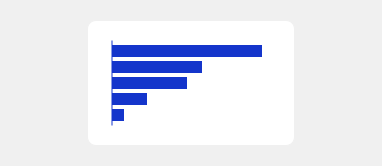
- Use this layout for data with distinct categories, such as countries or market segments.
- Use this layout to help make longer category names easier to read.
Data order
Bars on the categorical axis should be arranged in a meaningful way to help users quickly grasp the point of the chart. When deciding on the data order, consider what would be the most useful reading order of the data, as well as the story being told.
- Use standard ordering for categories that are chronological, like days, months, or years, if the goal is to visualize changes over time.
- Sort categories in order of their values to emphasize ranking or the differences in quantities between categories.
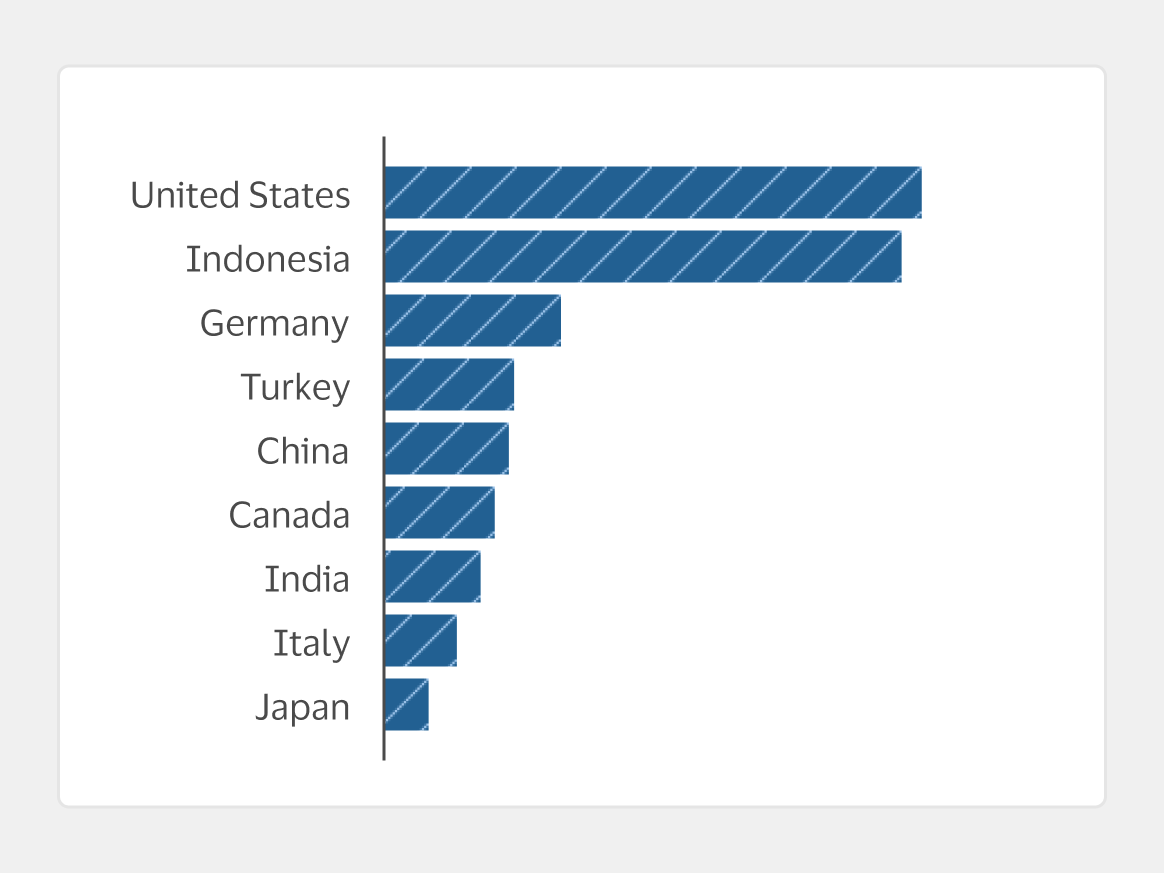
Do Arrange categories in descending order from the highest to lowest values.
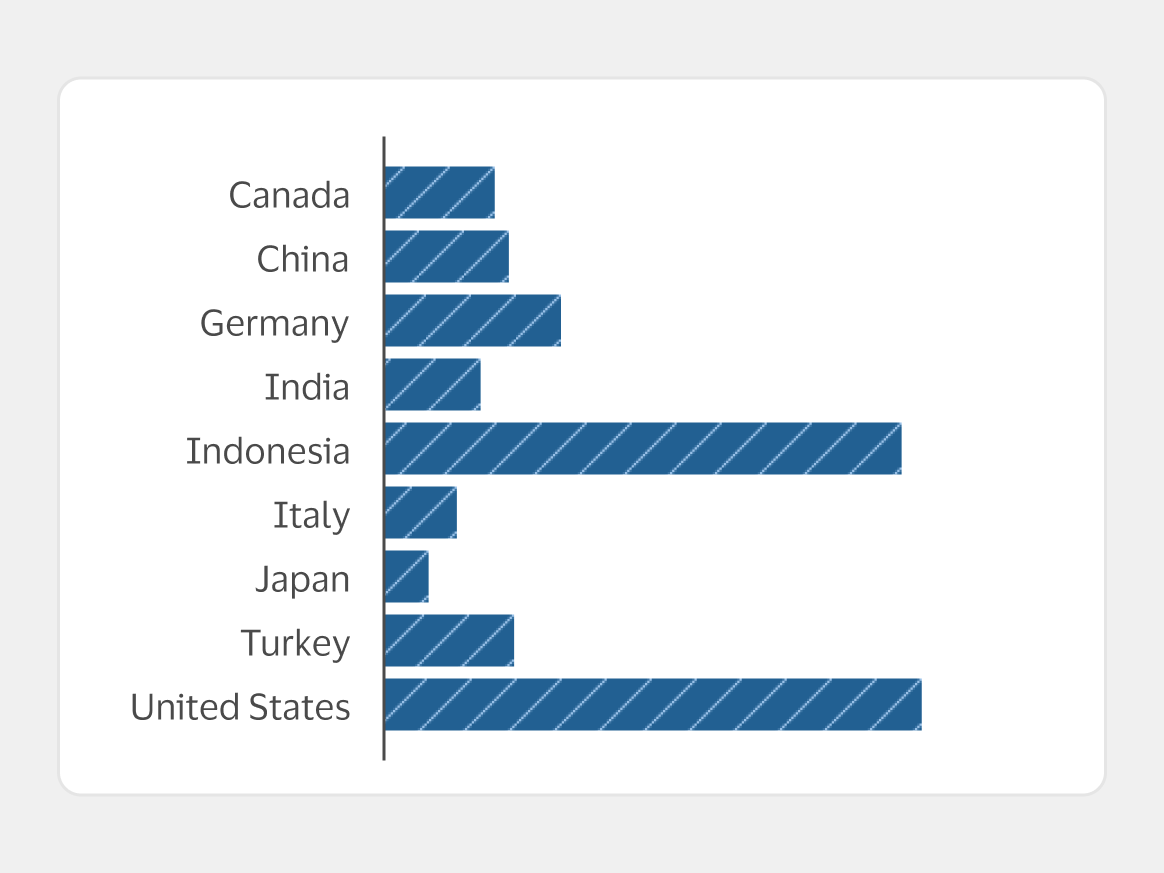
Don't Use alphabetical order. This makes it harder to identify patterns and doesn’t provide meaningful insights.
Chart size
Chart size should be based on the data within each chart. Use the columns in the Responsive grid system to set the width of the card, as shown below. Adjust the card’s height so it is proportional and accurately represents the shape of the data.
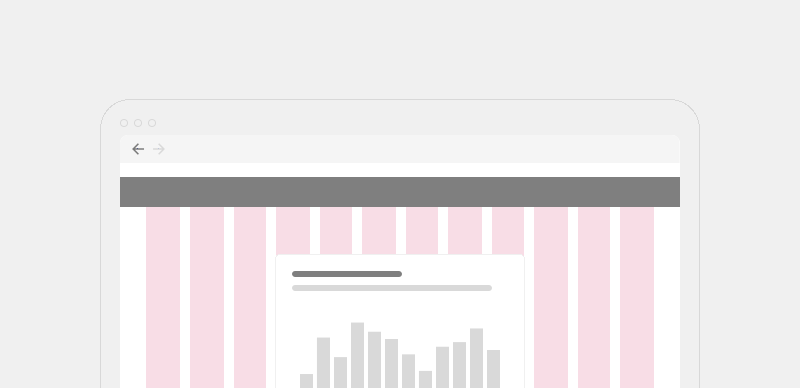
- Ensure charts are wide enough to be interpreted without scrolling or zooming.
- Consider the type of analysis users need to do with the chart, and ensure it’s large enough to support that goal.
Color
Color can be used to emphasize meaningful information and draw attention to the most important information in a chart. Use one color from the Neutral data visualization color palette (internal only), unless encoding additional data with color would add significant value.
- Color should never be used alone to communicate meaning. For more, visit Accessibility.
- Learn more about using color for data visualization in the Color guidelines (internal only).
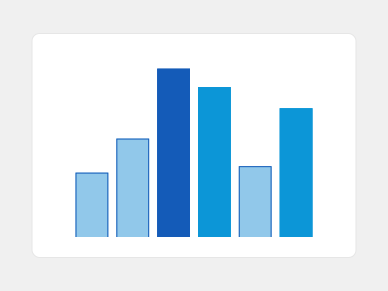
Do Use color to highlight meaningful patterns or support tasks, like a sequential palette to emphasize high or low values.
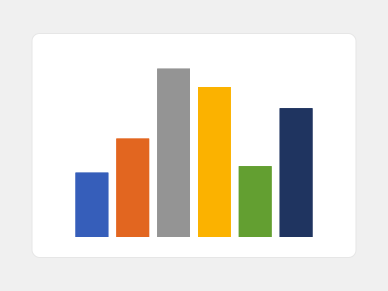
Don't Use a different color for every data point, as it adds a lot of mental effort to understand the meaning of each color.
Content
- Always use sentence case except for proper nouns or acronyms.
- Use plain language and avoid abbreviations or jargon.
- Provide more detailed explanations and definitions for any complex metrics if needed.
- Reference Content for additional guidance on crafting content within apps and experiences.
Titles and subtitles
- Use clear, informative titles to help users understand the chart’s topic and key takeaways.
- Frame titles as a headline that summarizes the trend or insight.
- Use subtitles to add more detail about the data being shown and help users understand how to interpret the chart.
- Consider phrasing titles or subtitles as questions to guide the user’s analysis, especially on exploratory dashboards where users are likely to spend significant time analyzing data.
- Avoid titles and subtitles that are too general or vague.
Labels
- Ensure numbers, dates, and other data or axis labels are formatted consistently.
- Follow plain language principles, such as using shorter and simpler words and phrases.
Number format
Simplify number formats to remove unnecessary details and reduce the mental effort needed to compare numbers. If needed, provide higher-precision numbers in a tooltip for users who want more information.
| Data type | Recommended format |
|---|---|
| Large numbers | Use abbreviated format, such as 1.2k instead of 1,200. |
| Percentage | Use whole percentage points, except for special cases where basis points are needed. |
| Basis points | Use basis points (bps) when change percentage is very small. 1 bps equals 0.01% (0.0001 in decimal format). |
| Currency | Round to the appropriate level of detail that is required for the analysis. For example, for U.S. currency round to the nearest dollar amount. |